
Objective
To link Xiaomi Mi Temperature and Humidity Monitor to Home Assistant
Tested Hardware
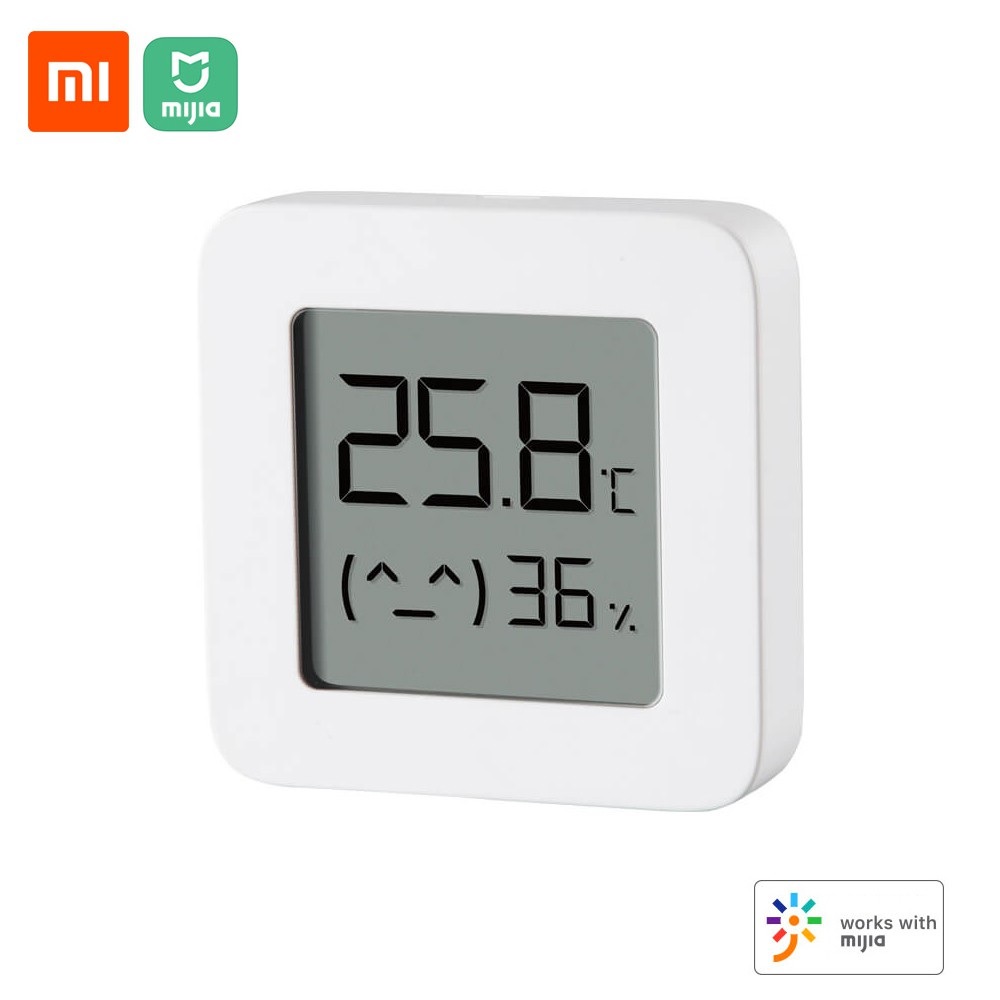
Xiaomi Mi Temperature and Humidity Monitor (Hardware Version: LYWSD03MMC)
Resources
Telink Flasher v4.4 (pvvx.github.io)
Issues · pvvx/ATC_MiThermometer · GitHub
Flashing Firmware
Connecting to Sensor
- Use your laptop (with BT device) and go to Telink flasher (link in resource above)
- In the name prefix, use “LYWS” and click on Connect
- After connected, wait for the log to say
connectedand Temp+Humidity value appear - Click on Do Activation
- You should be able to receive Mi Token and Mi Activation code
- Click on Custom Firmware ver x.xx and click on Start Flashing to start flashing
- Avoid using BT mouse and keyboard for the time being
- Wait until 100%, try to stay on the web page just in case
- Device will get disconnected automatically
Connecting to Flashed Sensor
- Clear log to avoid confusion
- In the name prefix, use “ATC” and click on Connect
- The device should change name to ATC_###### where ###### is the last 6 digit of its MAC Address
- Set the time to update the device time
- Change Advertising type to Mijia
- Change RF TX Power to VANT+0.90dbm
- Click on Send Config
- Click on Disconnect button
Connect to HomeAssistant
Add device
- Go to Settings > Device
- Add Integration, choose Xiaomi BLE
- Your device should be showing
- Click on Submit